
Omnichannel
Selling on LINE SHOPPING
A sales channel inside the app Thais open every day. Customers chat with your shop, place orders and pay, all in one chat. Ideal for brands that want close customer relationships and more repeat purchases. Want to sell effectively on LINE SHOPPING, from opening your shop and closing sales in chat to managing back-end orders? Read on.
What Are LINE SHOPPING and MyShop?
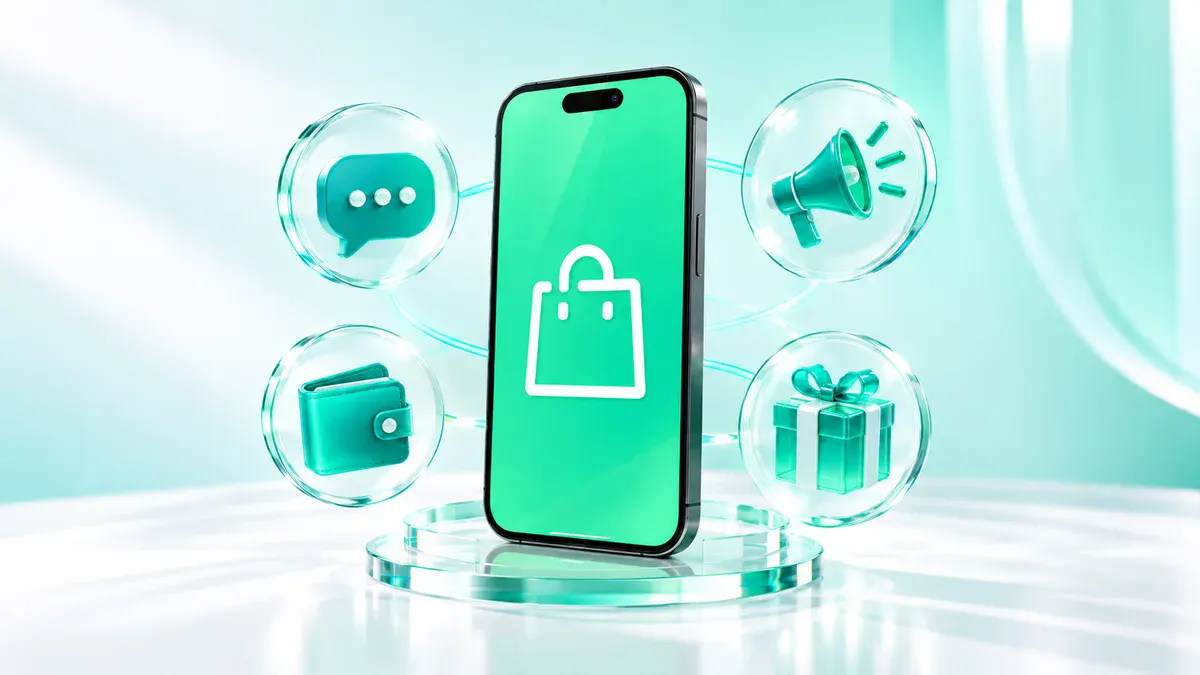
LINE SHOPPING is the online shopping service inside the LINE app. It brings together shops opened through LINE Official Account (LINE OA), so customers can browse and buy without leaving LINE. Its strength is that shops chat with customers and close sales right in the chat, known as Chat Commerce.
MyShop is the seller back office for LINE SHOPPING and works together with your LINE OA. Use it to add products, create orders and payment links to send in chat, manage orders, track sales and set promotions in one place.


Why Sell on LINE SHOPPING?
Why open a store on LINE SHOPPING

In the App Customers Use Every Day
No extra app to download. Customers open LINE, find your shop and order right away.

Close Sales in Chat
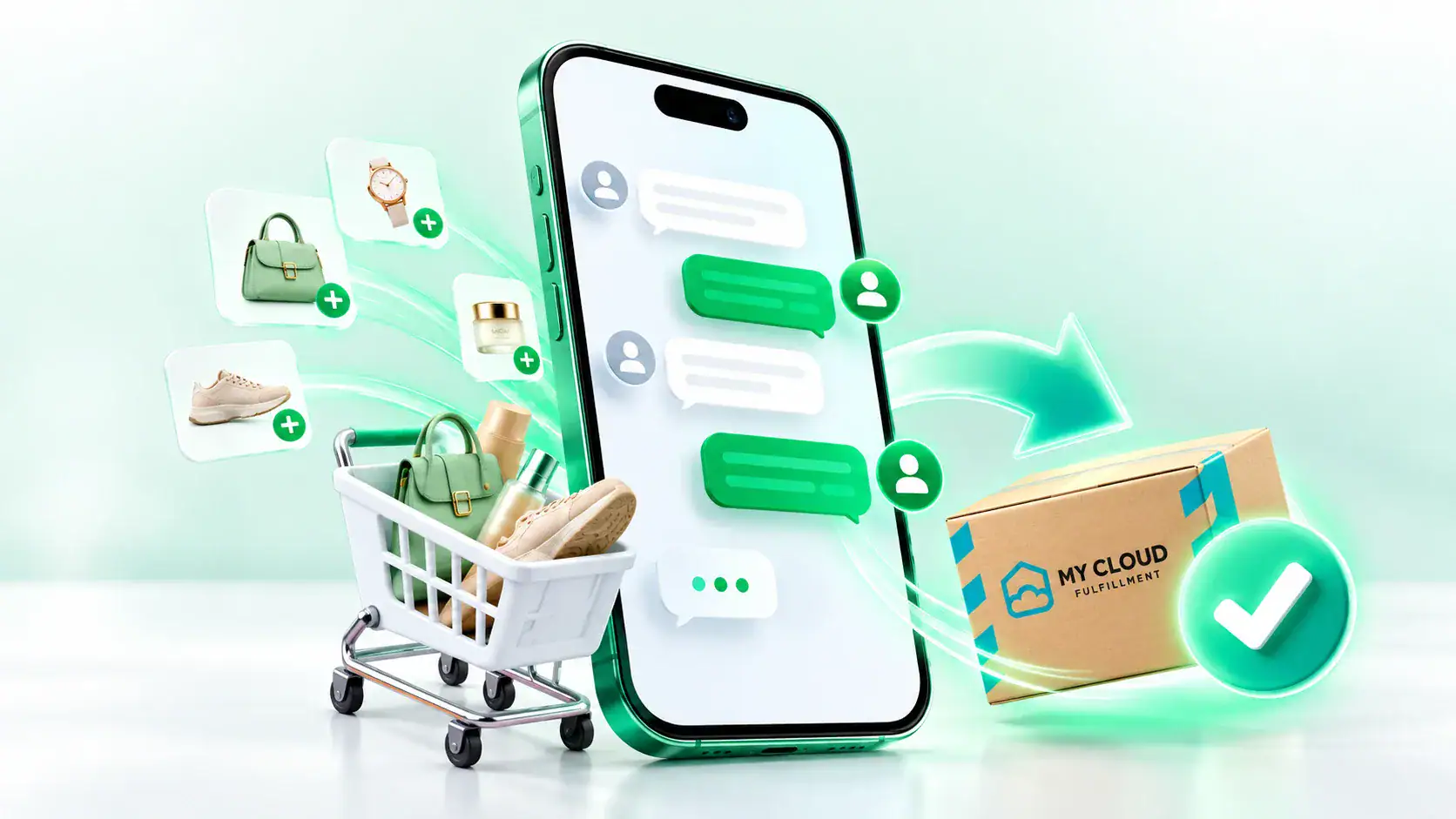
Answer questions, recommend products, then send an order link so customers pay in the same chat.

Customers Belong to Your Shop
Customers who add your LINE OA as a friend become a customer base you can keep communicating with, based on their consent (PDPA).

Broadcast to Your Friends
Send new arrivals, discount codes or restock alerts directly to existing customers.

Built for Repeat Purchases
Use chat, reward cards and coupons to keep existing customers coming back.
Pay Right in Chat
Customers pay conveniently through LINE SHOPPING’s payment system via the link your shop sends.

In the App Customers Use Every Day
No extra app to download. Customers open LINE, find your shop and order right away.
Close Sales in Chat
Answer questions, recommend products, then send an order link so customers pay in the same chat.
Customers Belong to Your Shop
Customers who add your LINE OA as a friend become a customer base you can keep communicating with, based on their consent (PDPA).
Broadcast to Your Friends
Send new arrivals, discount codes or restock alerts directly to existing customers.
Built for Repeat Purchases
Use chat, reward cards and coupons to keep existing customers coming back.
Pay Right in Chat
Customers pay conveniently through LINE SHOPPING’s payment system via the link your shop sends.
Sales Models on LINE SHOPPING

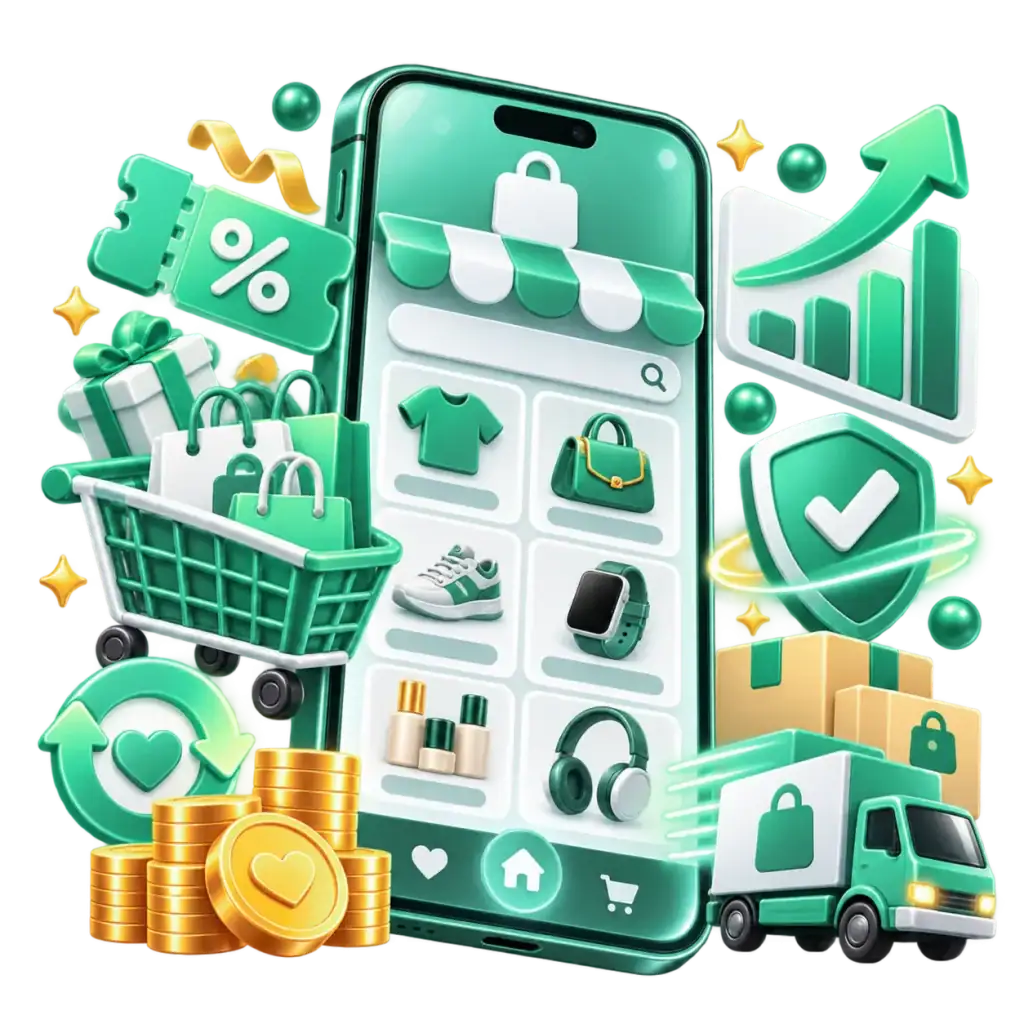
Sell Through Your MyShop Storefront
List products so customers can find and order them on their own, both on LINE SHOPPING and your LINE OA storefront.
Sell Through Chat (Chat Commerce)
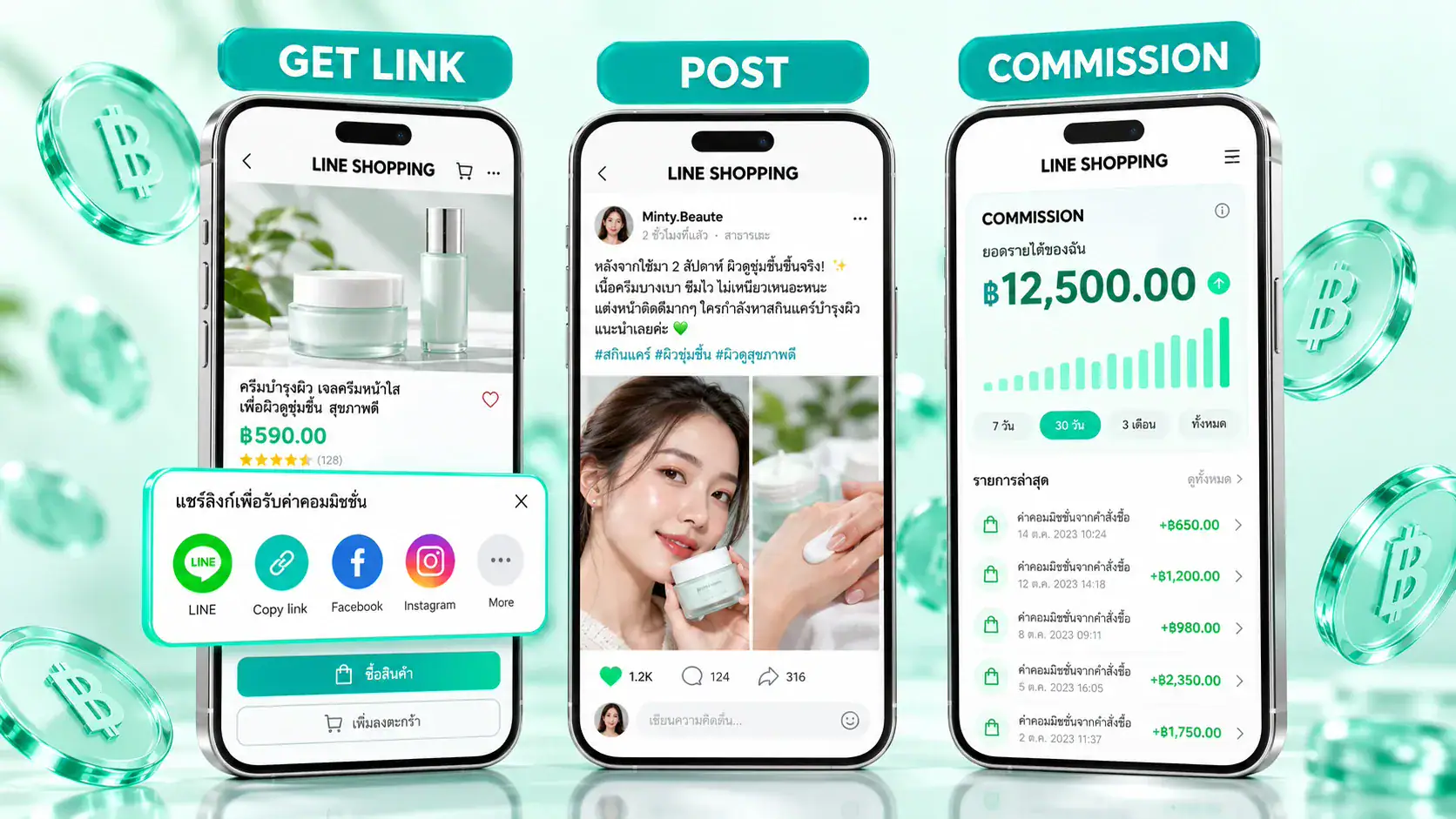
Your admin chats with the customer, creates an order in MyShop and sends a payment link in chat, closing the sale the moment the customer is ready.
Broadcasts and Promotions
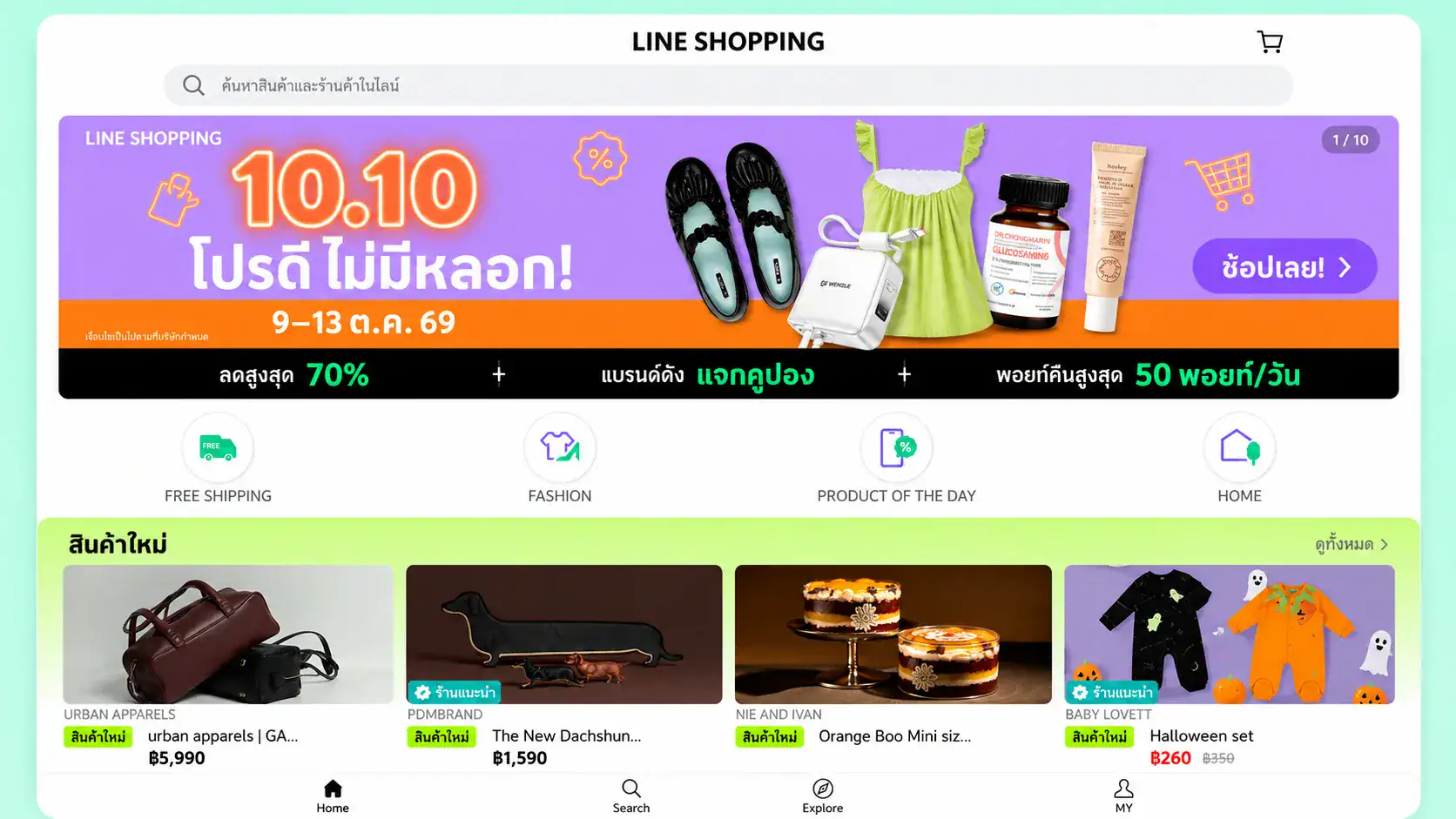
Send messages, coupons or recommended products to your friends to boost sales during campaigns or new launches.

Pair with Social Media and Live
Bring customers from Facebook, Instagram, TikTok or live streams to add your LINE OA, then close the sale in chat.
How to Open a Shop on LINE SHOPPING
Create a LINE Official Account
Sign up for a LINE OA for your shop and complete the name, profile picture and shop details so customers can add you and start chatting.
Activate MyShop
Open the MyShop menu in LINE OA, fill in your shop details and verify your identity as required.
Register for Payments
Set up LINE SHOPPING payments and the bank account that receives your payouts. You must complete this before you can create orders in MyShop.
Add Products and Start Selling
Add photos, details, prices, variations and shipping fees, then publish your shop. If you use fulfillment, connect your shop to the warehouse system at this step.
That’s all it takes to start selling on LINE SHOPPING. Steps and menus may change with app updates, so check the LINE SHOPPING seller page before you start.
Things to Know Before Selling on LINE SHOPPING
Before opening a shop on LINE SHOPPING, keep these points in mind for smooth selling from day one.
Understand Shop Policies
Products must be legal, in permitted categories, and described accurately.
LINE SHOPPING Payments Are Required
Shops must register for payments before they can create orders in MyShop.
Customers Need to Know You First
Most customers are people who added your shop as a friend, so plan to bring customers from social media and your store into your LINE OA as well.
Fees to Know
There is a payment fee per transaction. Check LINE’s latest rates before setting prices.
Admins Must Reply Fast
Chat customers expect quick answers. Set up auto-replies and a clear chat team.
You Set Your Own Delivery Times
Tell customers your delivery time clearly in chat and deliver as promised. Punctuality builds trust.
Broadcast in Moderation
Sending too often can get you blocked. Segment your audience and send content that matches their interests.
Measure and Improve
Track sales, message open rates and repeat purchases in MyShop and LINE OA Manager, then refine your strategy.
LINE SHOPPING terms are updated from time to time, so sellers should keep an eye on announcements from LINE.
Tips and Strategies for Selling on LINE SHOPPING Successfully
Grow Your Friend Base
- Pull customers from every channel: Place a QR code or add-friend link on posts, live streams, parcels and receipts.
- Give them a reason to add you: For example, a discount coupon for new friends or early access to new arrivals.
- Easy-to-use Rich Menu: Put buttons to browse products, check order status and contact an admin at the top of the chat so customers can help themselves.

Close Sales in Chat Quickly
- Auto-replies: Answer common questions such as price, size and delivery time instantly, even when admins are busy.
- Send an order link right away: When the customer is ready to buy, create the order in MyShop and send the payment link in chat.
- Follow up on open chats: Reach back out to customers who asked but went quiet, with more information or an offer that suits them.
Bring Existing Customers Back
- Segmented broadcasts: Send promotions based on what customers bought or showed interest in.
- Reward cards and coupons: Reward loyal customers to encourage their next purchase.
- Fast shipping and good packing: The post-purchase experience is what brings customers back and gets them recommending you.
Measure repeat purchases: See which customer groups come back most, then design promotions for them.

How MyCloud Helps You Sell More
Sell on LINE SHOPPING and let MyCloud handle the back office, so your admins can focus on chatting with customers and closing sales.

Connect All Sales Channels
Sell on LINE SHOPPING and other marketplaces from one stock pool. Orders and stock update every 3 minutes, making shop management easy.
Connect All Sales Channels
Sell on LINE SHOPPING and other marketplaces from one stock pool. Orders and stock update every 3 minutes, making shop management easy.

Chat Orders Flow In Automatically
When customers pay through LINE SHOPPING, orders go straight into the warehouse system for packing and shipping. Admins never need to key in orders.
Chat Orders Flow In Automatically
When customers pay through LINE SHOPPING, orders go straight into the warehouse system for packing and shipping. Admins never need to key in orders.

Warehouse Space and Team
Over 10,000 sq.m. of storage space to support unlimited business growth, plus a professional warehouse team that has handled up to 100,000 orders per day.
Warehouse Space and Team
Over 10,000 sq.m. of storage space to support unlimited business growth, plus a professional warehouse team that has handled up to 100,000 orders per day.

One Integrated OMS & WMS
Our OMS (order management) and WMS (warehouse management) are designed to work together, so data such as orders and stock levels moves faster and more accurately for smooth order handling.
One Integrated OMS & WMS
Our OMS (order management) and WMS (warehouse management) are designed to work together, so data such as orders and stock levels moves faster and more accurately for smooth order handling.

Ship as Fast as You Promise
LINE SHOPPING shops set their own delivery times, and MyCloud helps you keep your promise with Express same-day delivery and Instant delivery, ideal for chat customers who want their orders fast.
Ship as Fast as You Promise
LINE SHOPPING shops set their own delivery times, and MyCloud helps you keep your promise with Express same-day delivery and Instant delivery, ideal for chat customers who want their orders fast.

Proof of Work (CCTV and Packing Video)
CCTV covers every key area of the warehouse, from receiving, storage, picking and packing to dispatch, and every order has a packing video you can share in chat if a customer has questions.
Proof of Work (CCTV and Packing Video)
CCTV covers every key area of the warehouse, from receiving, storage, picking and packing to dispatch, and every order has a packing video you can share in chat if a customer has questions.
Data Dashboard
A dashboard collects sales data and helps you analyze warehouse and sales performance easily, with a simple interface and complete information.
Data Dashboard
A dashboard collects sales data and helps you analyze warehouse and sales performance easily, with a simple interface and complete information.
Double Check Before Pick & Pack
MyCloud double-checks each order status with LINE SHOPPING and other marketplaces to confirm the order is correct before picking and packing begin.
Double Check Before Pick & Pack
MyCloud double-checks each order status with LINE SHOPPING and other marketplaces to confirm the order is correct before picking and packing begin.
3-Layer Stock System
Prevent stockouts with 3 stock layers: reserved stock, awaiting-pack stock and on-hand stock, reducing shortages when selling on multiple channels at once.
3-Layer Stock System
Prevent stockouts with 3 stock layers: reserved stock, awaiting-pack stock and on-hand stock, reducing shortages when selling on multiple channels at once.
Ready for Broadcast and Promotion Spikes
When a broadcast or promotion makes orders spike, MyCloud adds staff to match order volume, so you never fall behind on packing.
Ready for Broadcast and Promotion Spikes
When a broadcast or promotion makes orders spike, MyCloud adds staff to match order volume, so you never fall behind on packing.
Connect All Sales Channels
Sell on LINE SHOPPING and other marketplaces from one stock pool. Orders and stock update every 3 minutes, making shop management easy.
Connect All Sales Channels
Sell on LINE SHOPPING and other marketplaces from one stock pool. Orders and stock update every 3 minutes, making shop management easy.
Chat Orders Flow In Automatically
When customers pay through LINE SHOPPING, orders go straight into the warehouse system for packing and shipping. Admins never need to key in orders.
Chat Orders Flow In Automatically
When customers pay through LINE SHOPPING, orders go straight into the warehouse system for packing and shipping. Admins never need to key in orders.
Warehouse Space and Team
Over 10,000 sq.m. of storage space to support unlimited business growth, plus a professional warehouse team that has handled up to 100,000 orders per day.
Warehouse Space and Team
Over 10,000 sq.m. of storage space to support unlimited business growth, plus a professional warehouse team that has handled up to 100,000 orders per day.
One Integrated OMS & WMS
Our OMS (order management) and WMS (warehouse management) are designed to work together, so data such as orders and stock levels moves faster and more accurately for smooth order handling.
One Integrated OMS & WMS
Our OMS (order management) and WMS (warehouse management) are designed to work together, so data such as orders and stock levels moves faster and more accurately for smooth order handling.
Ship as Fast as You Promise
LINE SHOPPING shops set their own delivery times, and MyCloud helps you keep your promise with Express same-day delivery and Instant delivery, ideal for chat customers who want their orders fast.
Ship as Fast as You Promise
LINE SHOPPING shops set their own delivery times, and MyCloud helps you keep your promise with Express same-day delivery and Instant delivery, ideal for chat customers who want their orders fast.
Proof of Work (CCTV and Packing Video)
CCTV covers every key area of the warehouse, from receiving, storage, picking and packing to dispatch, and every order has a packing video you can share in chat if a customer has questions.
Proof of Work (CCTV and Packing Video)
CCTV covers every key area of the warehouse, from receiving, storage, picking and packing to dispatch, and every order has a packing video you can share in chat if a customer has questions.
Data Dashboard
A dashboard collects sales data and helps you analyze warehouse and sales performance easily, with a simple interface and complete information.
Data Dashboard
A dashboard collects sales data and helps you analyze warehouse and sales performance easily, with a simple interface and complete information.
Double Check Before Pick & Pack
MyCloud double-checks each order status with LINE SHOPPING and other marketplaces to confirm the order is correct before picking and packing begin.
Double Check Before Pick & Pack
MyCloud double-checks each order status with LINE SHOPPING and other marketplaces to confirm the order is correct before picking and packing begin.
3-Layer Stock System
Prevent stockouts with 3 stock layers: reserved stock, awaiting-pack stock and on-hand stock, reducing shortages when selling on multiple channels at once.
3-Layer Stock System
Prevent stockouts with 3 stock layers: reserved stock, awaiting-pack stock and on-hand stock, reducing shortages when selling on multiple channels at once.
Ready for Broadcast and Promotion Spikes
When a broadcast or promotion makes orders spike, MyCloud adds staff to match order volume, so you never fall behind on packing.
Ready for Broadcast and Promotion Spikes
When a broadcast or promotion makes orders spike, MyCloud adds staff to match order volume, so you never fall behind on packing.